For teachers
Fractals for the classroom
Six ready-to-project presentations for mathematics and computer-science lessons, with live figures, questions for the class and notes for you. Everything is free and needs no sign-up.
The presentations
What is a fractal?
Pupils discover self-similarity in nature and build the Koch snowflake and the Sierpiński triangle step by step. They see how a shape can have an endless perimeter yet a finite area.
Open the presentation →Fractal dimension
Pupils link scaling to dimension through the rule N = s^D and use logarithms to find the dimension of the Koch curve and the Sierpiński triangle. They meet the coastline paradox and measure a dimension by box counting.
Open the presentation →Pascal’s triangle and the chaos game
Pupils colour the odd numbers in Pascal’s triangle and watch the Sierpiński triangle appear, then play the chaos game with a dice. They explain why a random process always draws the same fractal.
Open the presentation →Complex numbers and the Mandelbrot set
Students square complex numbers and iterate z² + c by hand to decide whether an orbit stays bounded or escapes. They use this to understand the Mandelbrot set, the escape radius 2 and Julia sets.
Open the presentation →Recursion with fractals
Pupils learn what a recursive function is, with a base case and a recursive case, by drawing trees and Koch curves. They count calls, see how the call stack grows and learn to avoid the classic pitfalls.
Open the presentation →Algorithms: the chaos game and escape time
Students compare two ways of drawing fractals: a randomised algorithm (the chaos game and iterated function systems) and the escape-time algorithm that loops over pixels. They estimate running time, find classic bugs and explore colouring and speed-ups.
Open the presentation →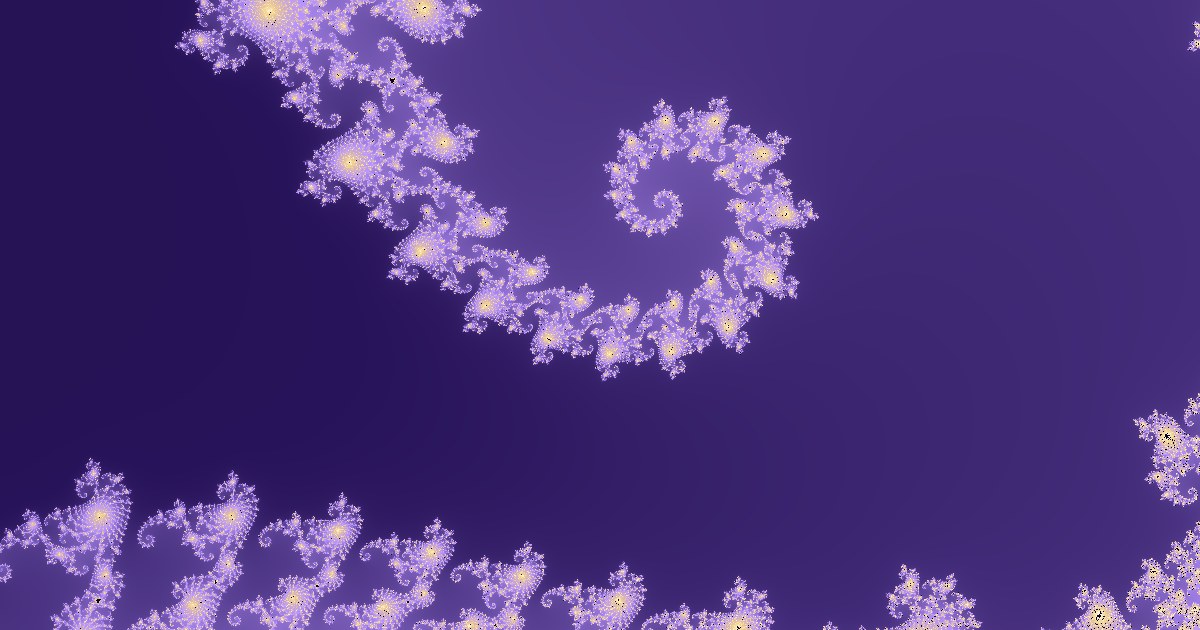
Free PDF guide
Our printable guide to fractals collects the core ideas, worked examples and self-test questions with answers. Use it for homework, revision or as a handout.
How to use the presentations
Open a presentation on the computer connected to your projector or interactive whiteboard and switch to full screen with the button or the F key. Move between slides with the arrow keys or the on-screen buttons.
Press N to show or hide the teacher notes: what to say, what to ask, expected answers, common misconceptions and a suggested timing for each slide. The figures are live: move the sliders, press Play or zoom in while the class watches, and reveal the answers to the questions with one click.
Once a presentation has loaded it keeps working without an internet connection, so a weak school network will not interrupt the lesson. The presentations are free, need no account or sign-up, and run in any modern browser.
Tips for the lesson
- Run through the presentation once before the lesson and read the notes: each slide has a suggested timing, so you can see where to cut if time is short.
- Ask pupils to predict before you move a slider or press Play. A wrong prediction followed by a surprise is what makes the Koch snowflake and the chaos game memorable.
- Combine screen and paper: drawing the first steps of the Koch curve, shading Pascal’s triangle or playing the chaos game with a dice makes the live figures much more meaningful.
- Use the exit question on the last slide to check understanding, and set the free online course for pupils who want to go further.
- For background reading, see how to teach fractals to children and how to draw fractals with Python, and let pupils explore the Mandelbrot explorer at home.